Antons Video Productions
4 Woolpack Street
Braemar 2575 Southern Highlands
NSW Australia
+61 2 418 626 417
Fixing broken routes in DVD-Lab Pro
Broken routes will prevent the user of a DVD player to select a button with the DVD player remote, however the button can be selected with the mouse by using a software DVD player such as PowerDVD
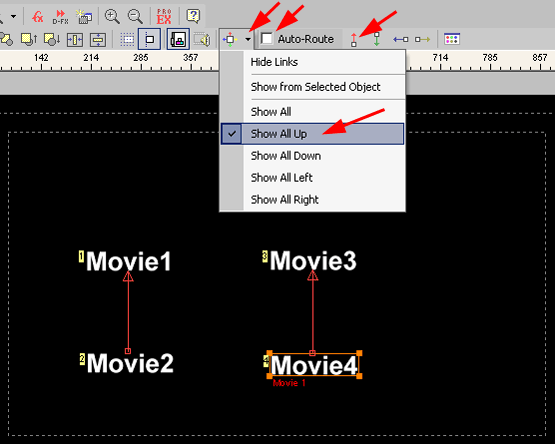
1. Turn off Auto-Route
2. Start by selecting "Show All Up"
3. If an "up" route is missing, click the up tool and draw the line by clicking the lower item, then dragging up towards the link above, then let go of the left mouse button
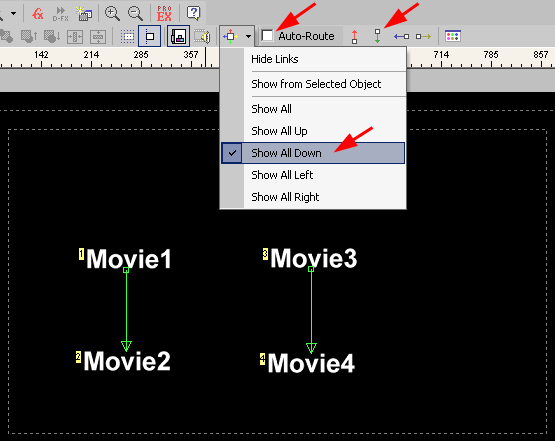
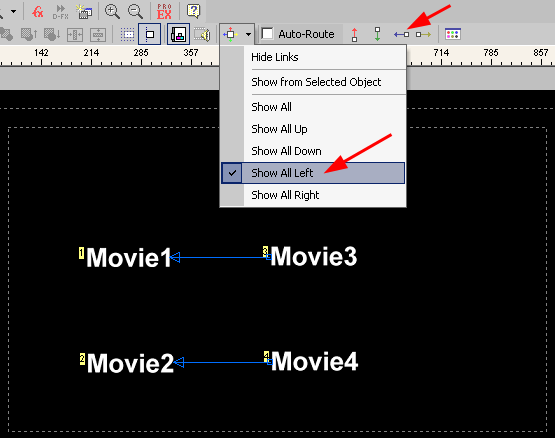
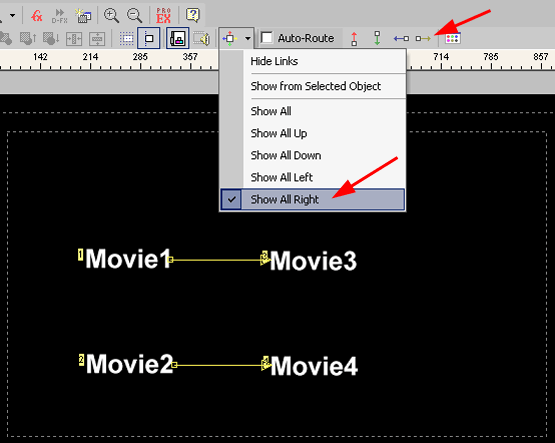
4. Do the same for down, left and right routes
Back to Non-Linear and other Tutorials