Antons Video Productions
4 Woolpack Street
Braemar 2575 Southern Highlands
NSW Australia
+61 2 418 626 417
Fast Compile the Speed Razor Timeline
Before exporting the timeline to multimedia.avi, you must first fast compile the timeline or timeline selection. This happens faster than realtime. If you don't fast compile before exporting to multimedia.avi, realtime transitions, opacity and inscribers will be lost during the export.
Select an area of the timeline or select all
Now, choose export selected area or all and choose the Matrox Digisuite codec and the Wave Audio Device. Click the video and audio Setup buttons and make sure you use the same compression that was used when capturing, otherwise it will not be faster than realtime!
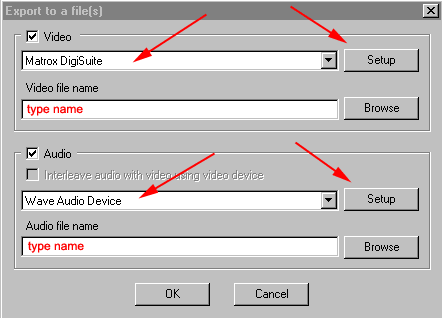
The same compression setting that was used when capturing!
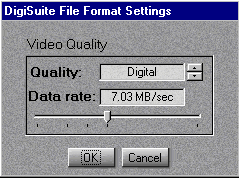
Always use the settings below for fast compile!
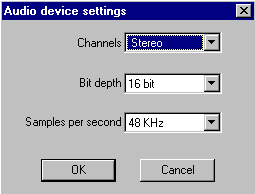
Now you can use the resulting avi and wav in TMPGCenc for making mpeg1 or mpeg2 files.
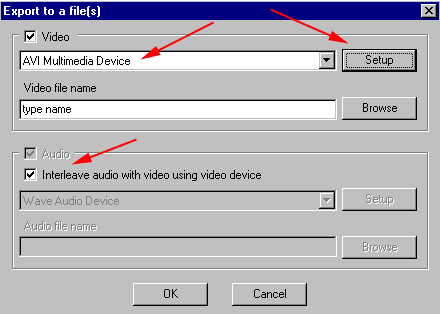
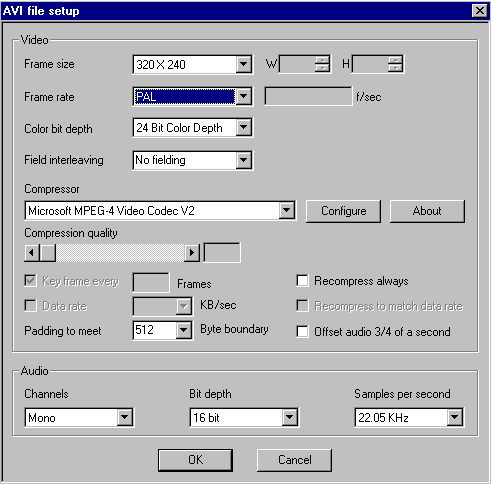
Or you can place the single compiled clip on the timeline and export to multimedia.avi, then choose a codec and set quality and size to your requirements.